
iPhone · iPad · Android · Windows
Purge Cloudflare cache without opening a browser.
Native apps for developers and agencies on iPhone, iPad, Android and Windows. Multi-account, selective or total purges, favorites. Three taps. Free. Private.


Universal app for iPhone, iPad and Mac
- flarepurge.com Active
- colorvivo.com Active
- revistacloud.com Active
- cloudnews.tech Active
What it is
FlarePurge is a native app that purges the Cloudflare cache of your own zones from iPhone, iPad, Mac, Android and Windows. It uses a scoped Cloudflare API token, talks directly to the Cloudflare API with no server in between, and is free with no ads or in-app purchases.
Built for the people who purge cache for a living.
Multi-account
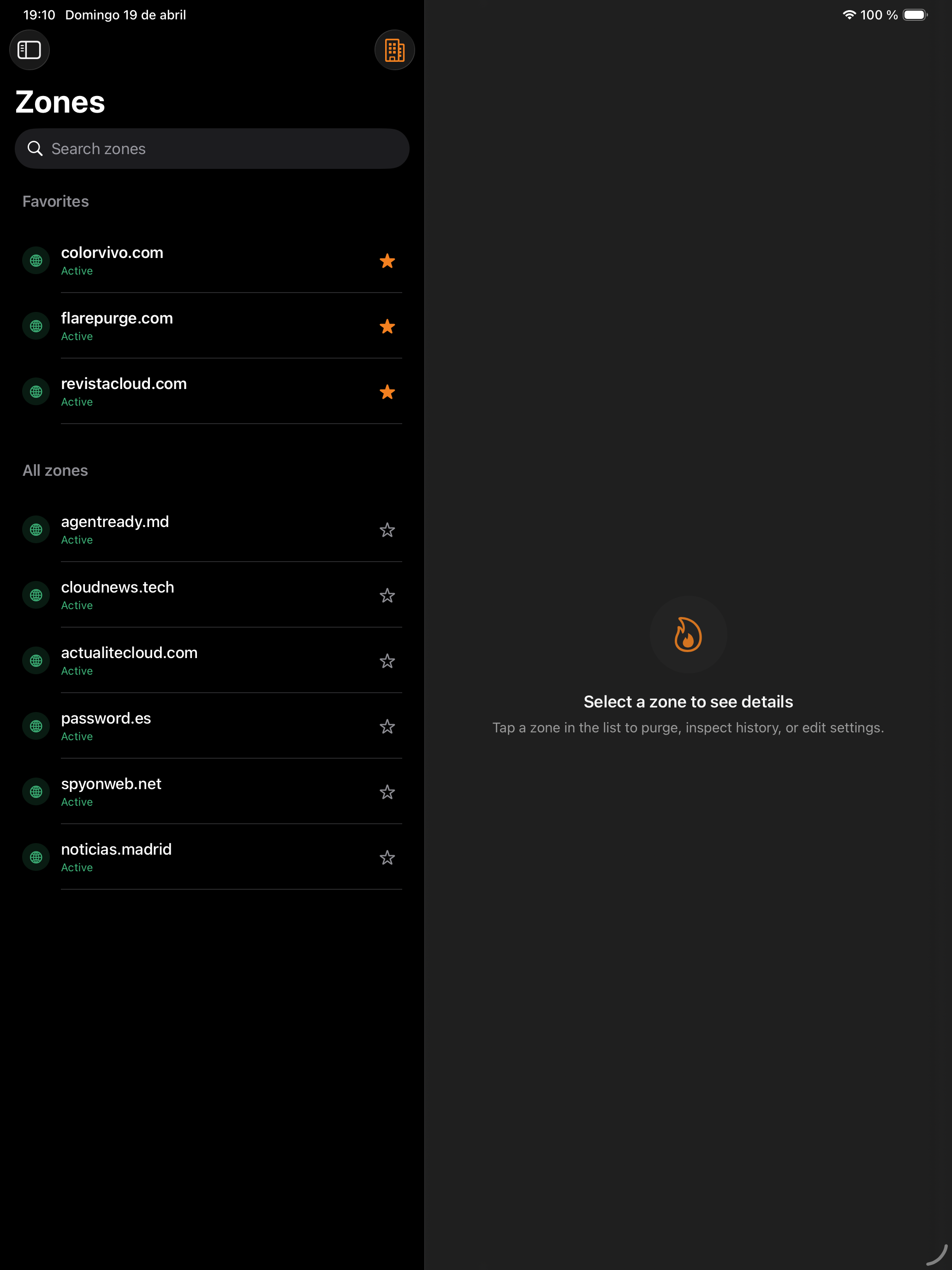
Add as many Cloudflare accounts as you need. Switch between them with one tap; your zones are grouped per account.
Selective or total purge
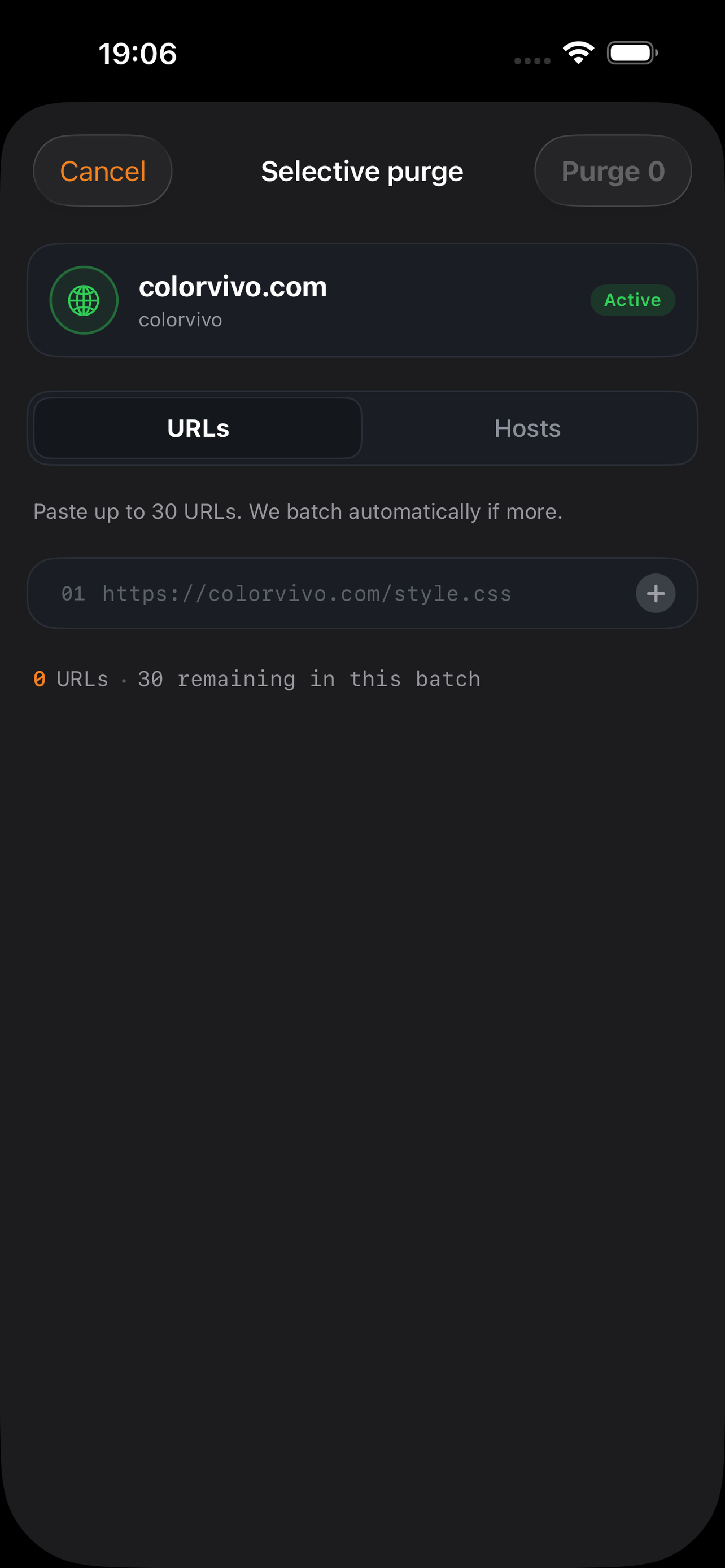
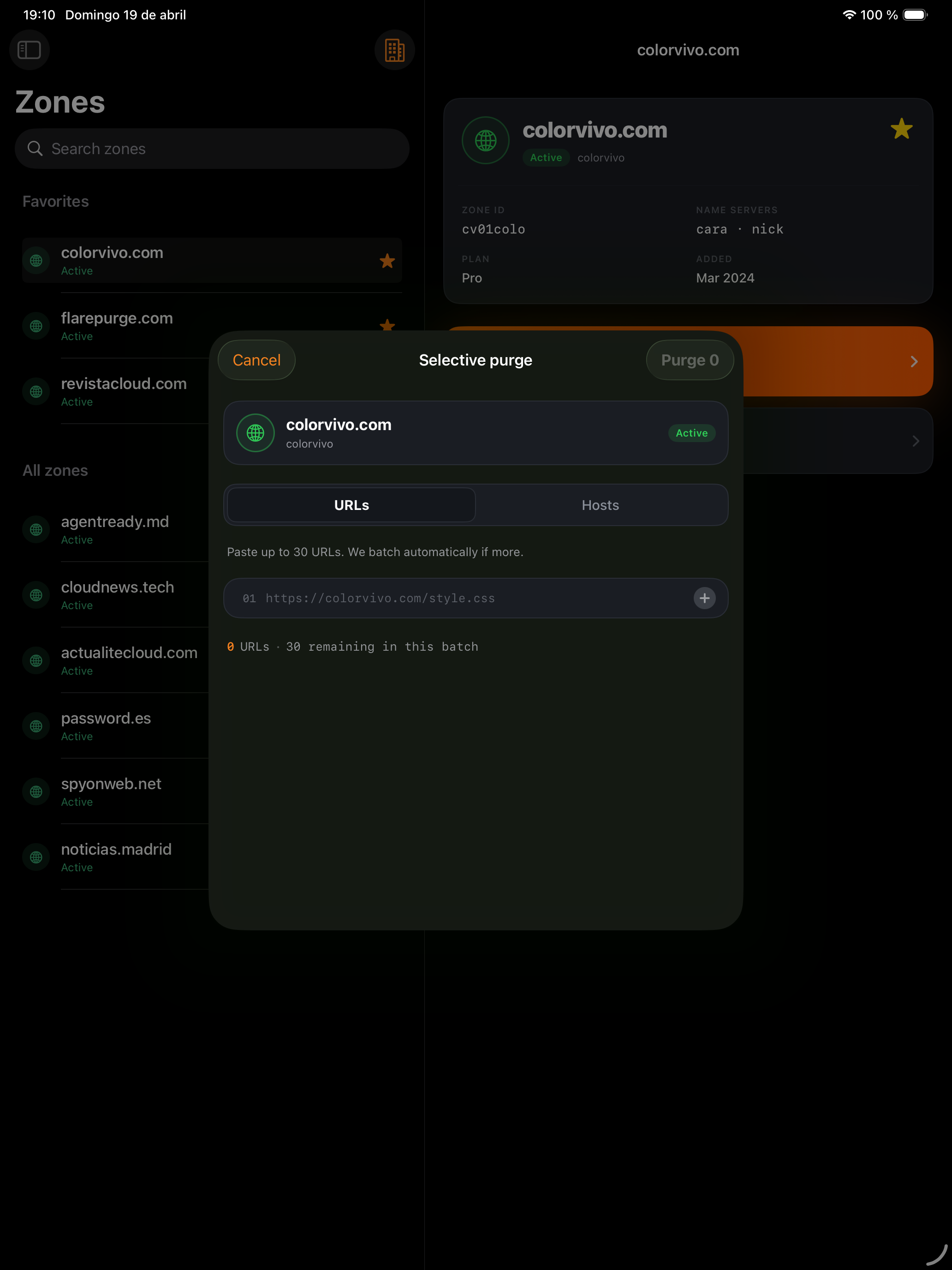
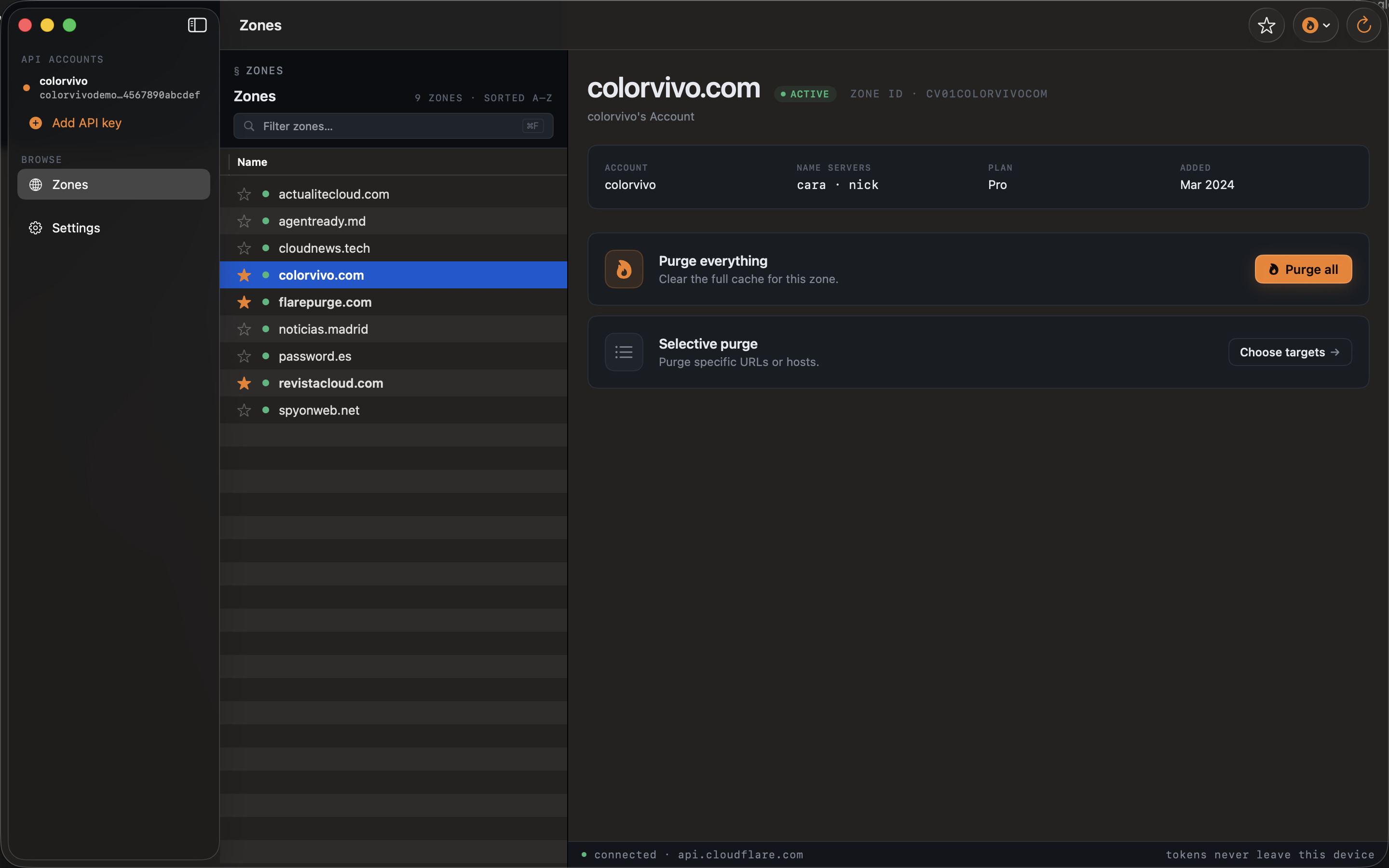
Purge the entire cache of a zone, or target specific URLs and hostnames. Paste up to 30 URLs at a time — batches auto-split for you.
Favorites, everywhere
Pin the zones you touch every day. They sync across your devices through your own iCloud — we never see them.
Mac as a first-class citizen
Full keyboard: ⌘F to search, ⌘R to reload, ⌘, for settings. Sidebar + detail layout, true menu bar integration.
Zero backend, zero tracking
Traffic goes directly from your device to api.cloudflare.com over TLS with certificate pinning. No analytics, no SDKs, no phone home.
21 languages
Fully translated into English, Spanish, Catalan, French, Portuguese, Italian, German, Dutch and 13 more.
How it works
-
1 · Paste your Cloudflare token
Create an API token with
Zone:Zone:Read+Zone:Cache Purge:Purgescopes at dash.cloudflare.com. FlarePurge validates it and stores it in the system Keychain — never in plain text, never on our servers. -
2 · Pick a zone
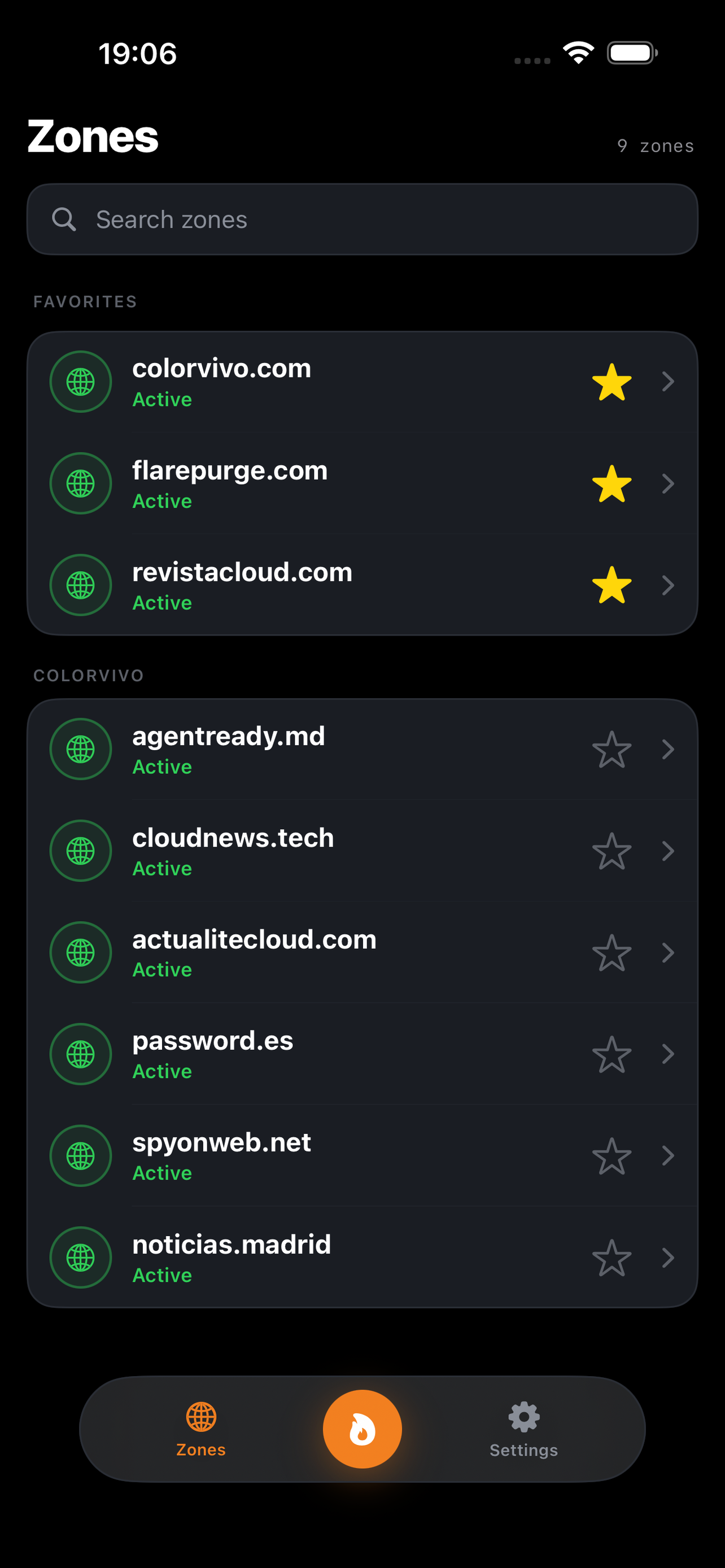
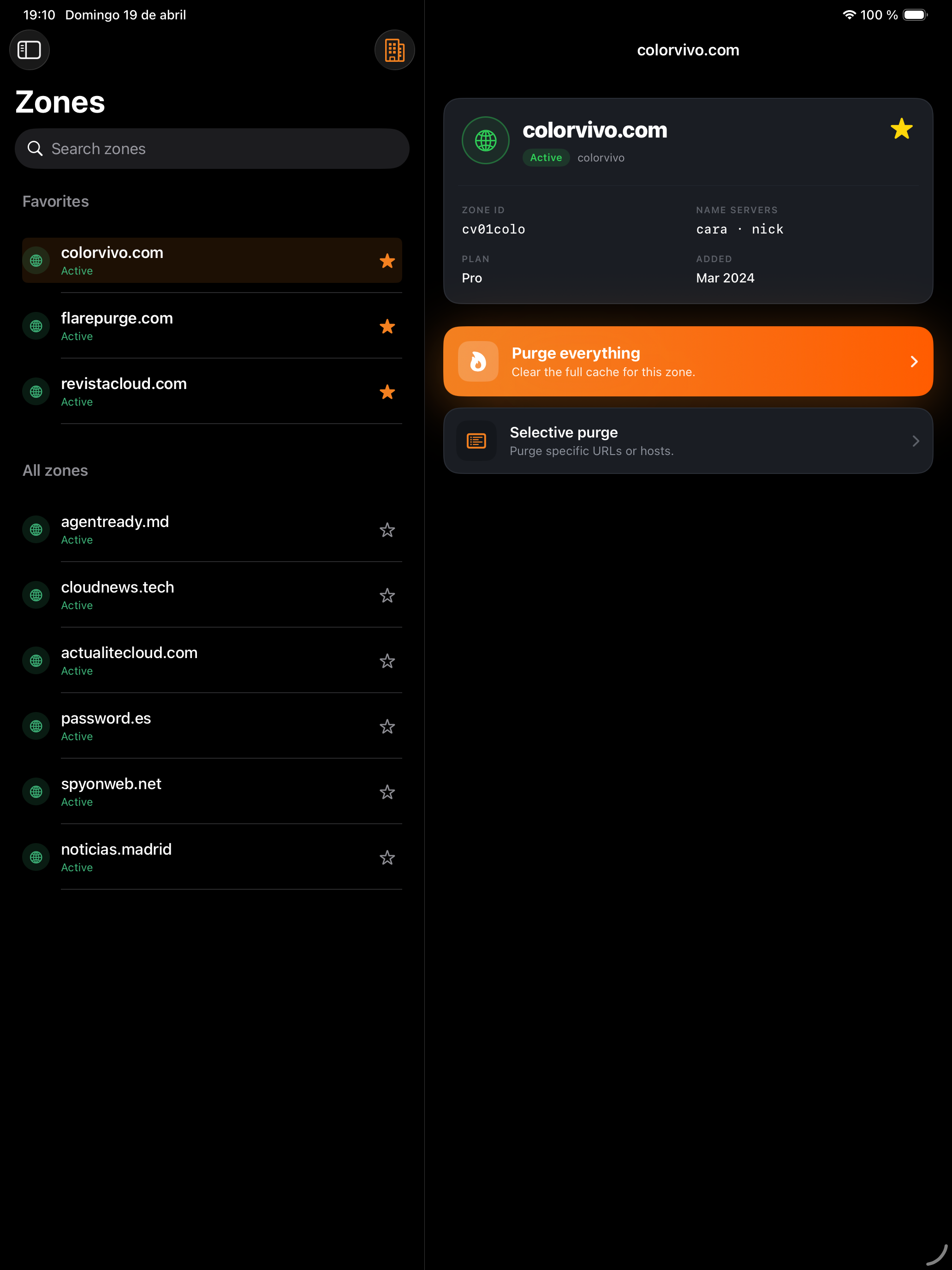
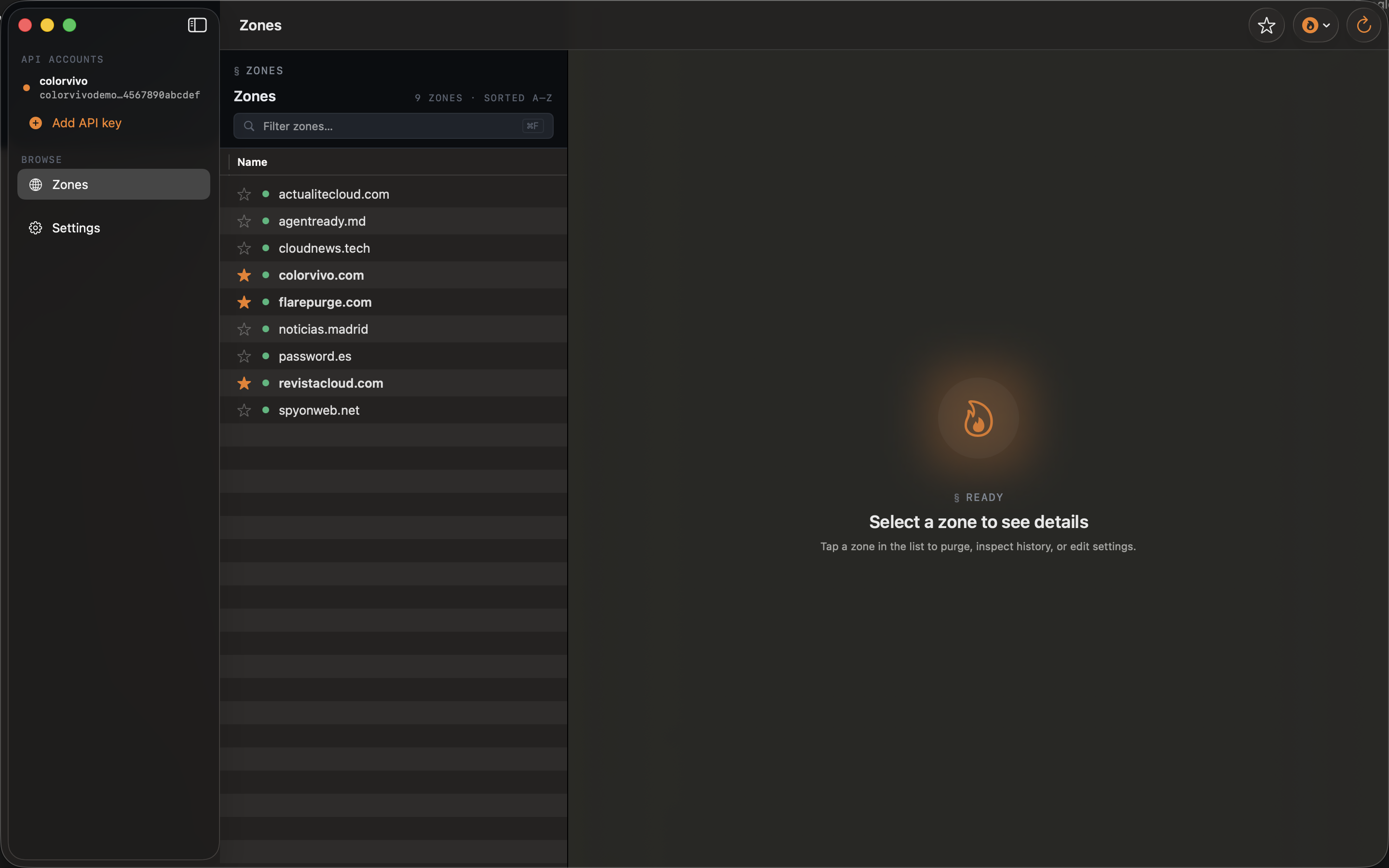
Your zones appear grouped by account. Search, filter favorites, or pick from the account switcher. Every row is tappable, every table selectable with arrow keys on Mac.
-
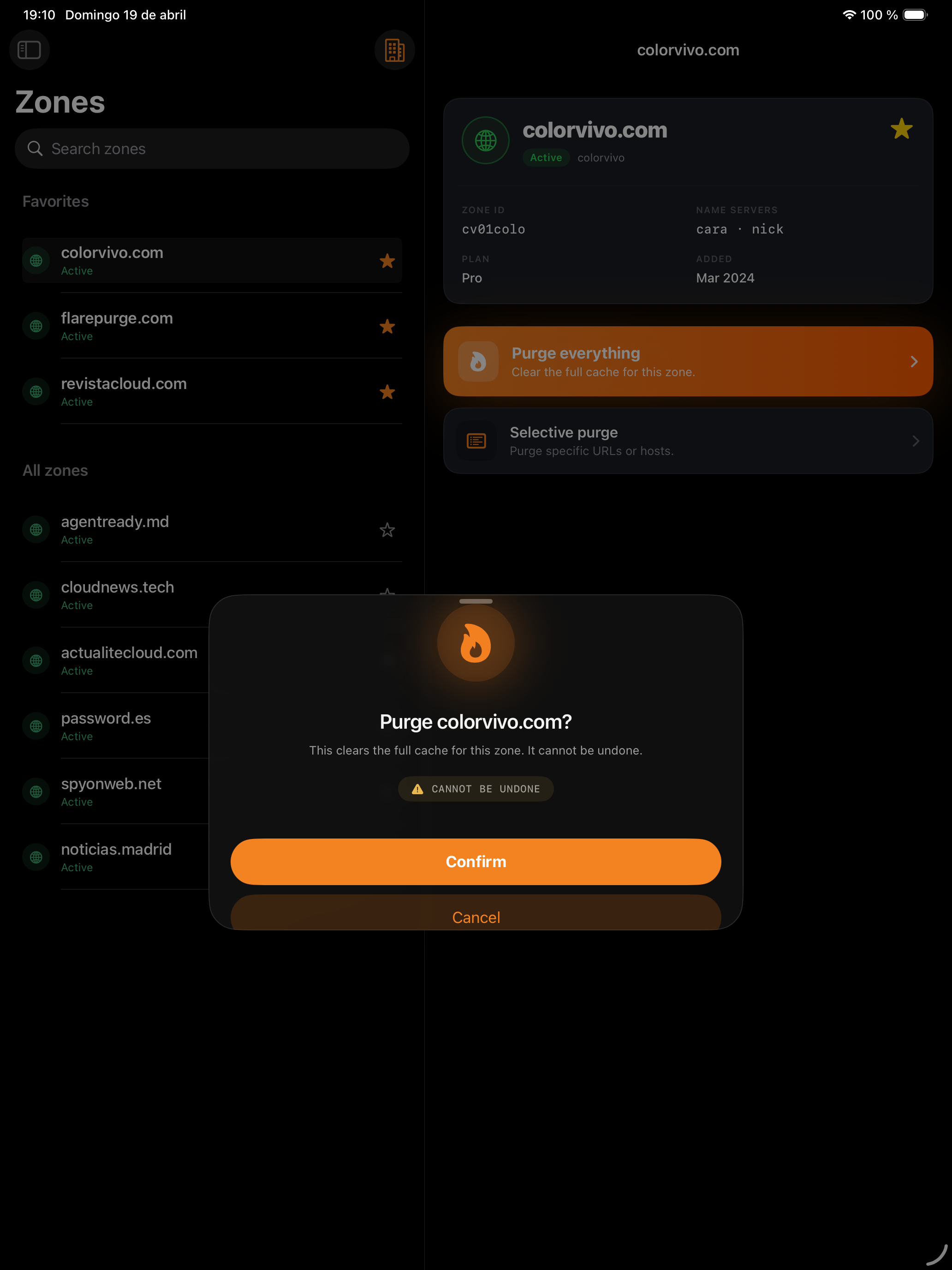
3 · Tap the flame
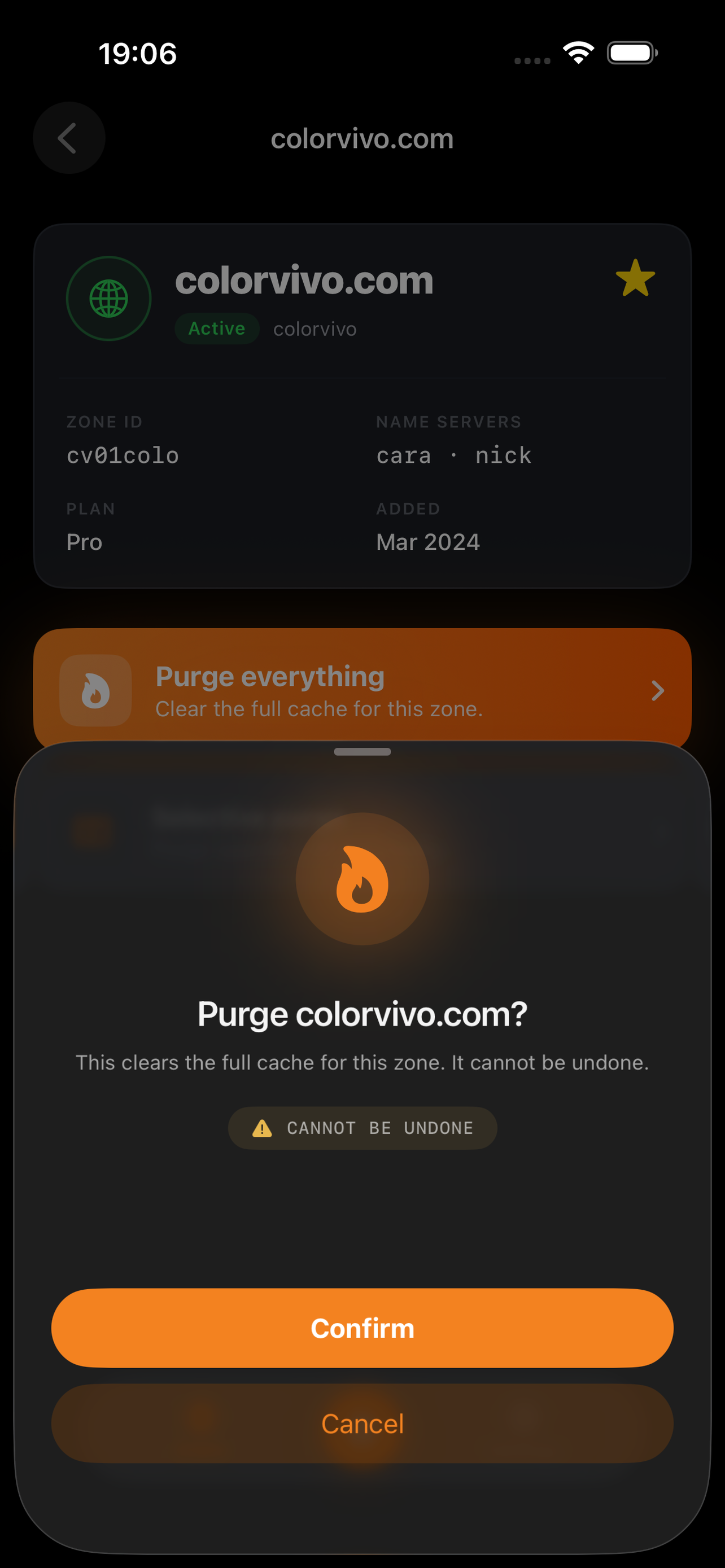
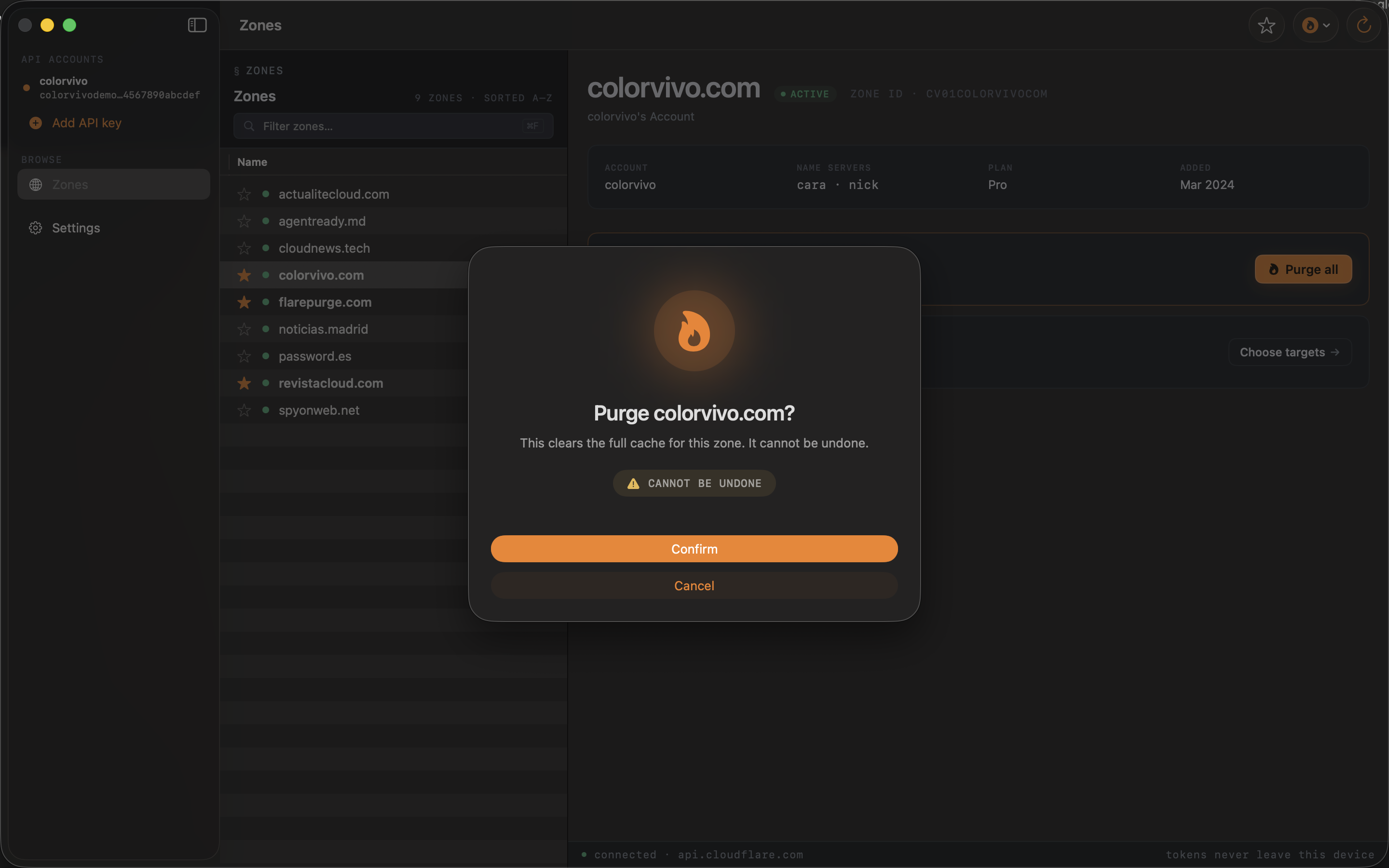
Confirm, we purge. For selective purges, paste the URLs you need and FlarePurge batches them automatically to respect Cloudflare's 30-URL limit.
A look at the app
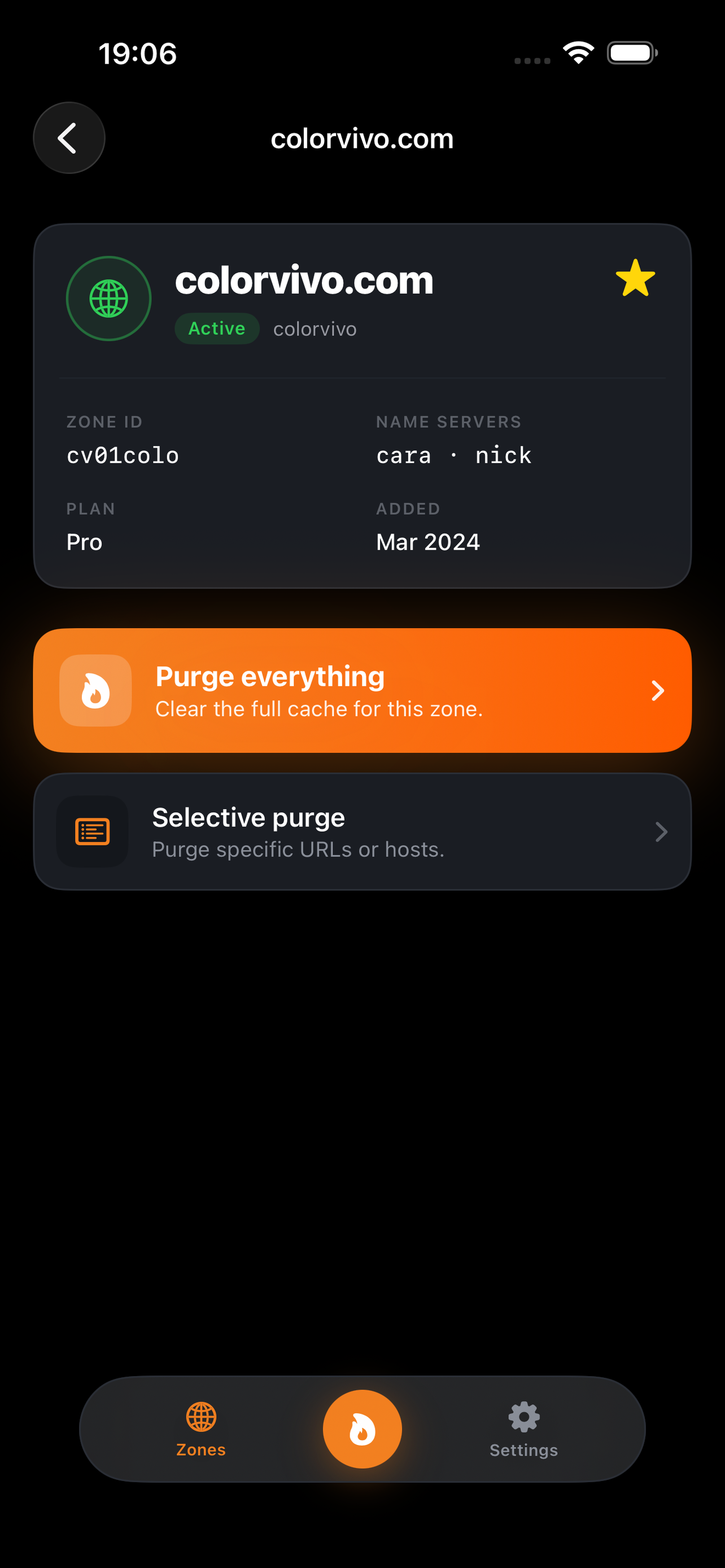
Every screen shown here is generated from the real app with fixtures. Switch between iOS and Mac, dark and light, and pick your language.
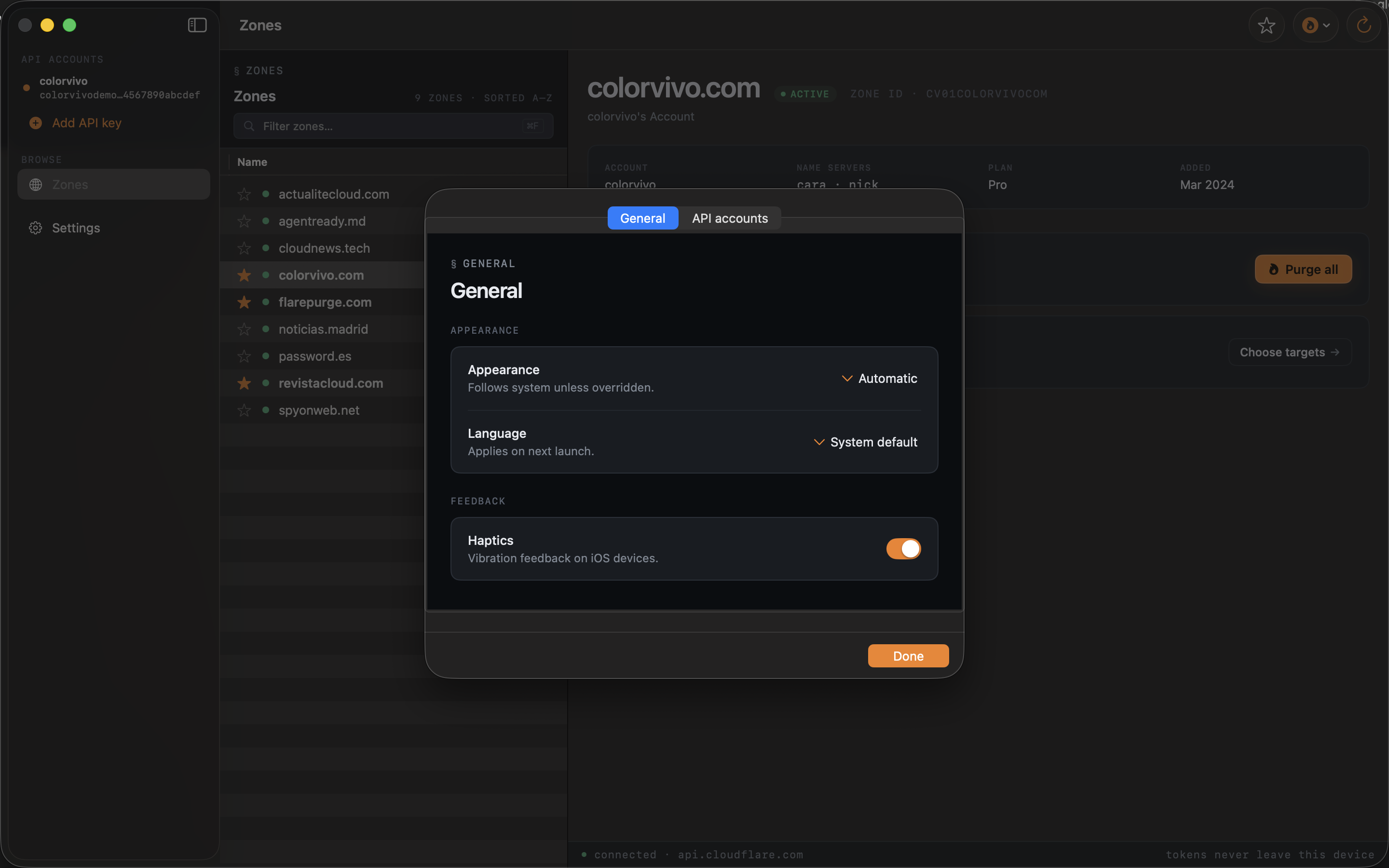
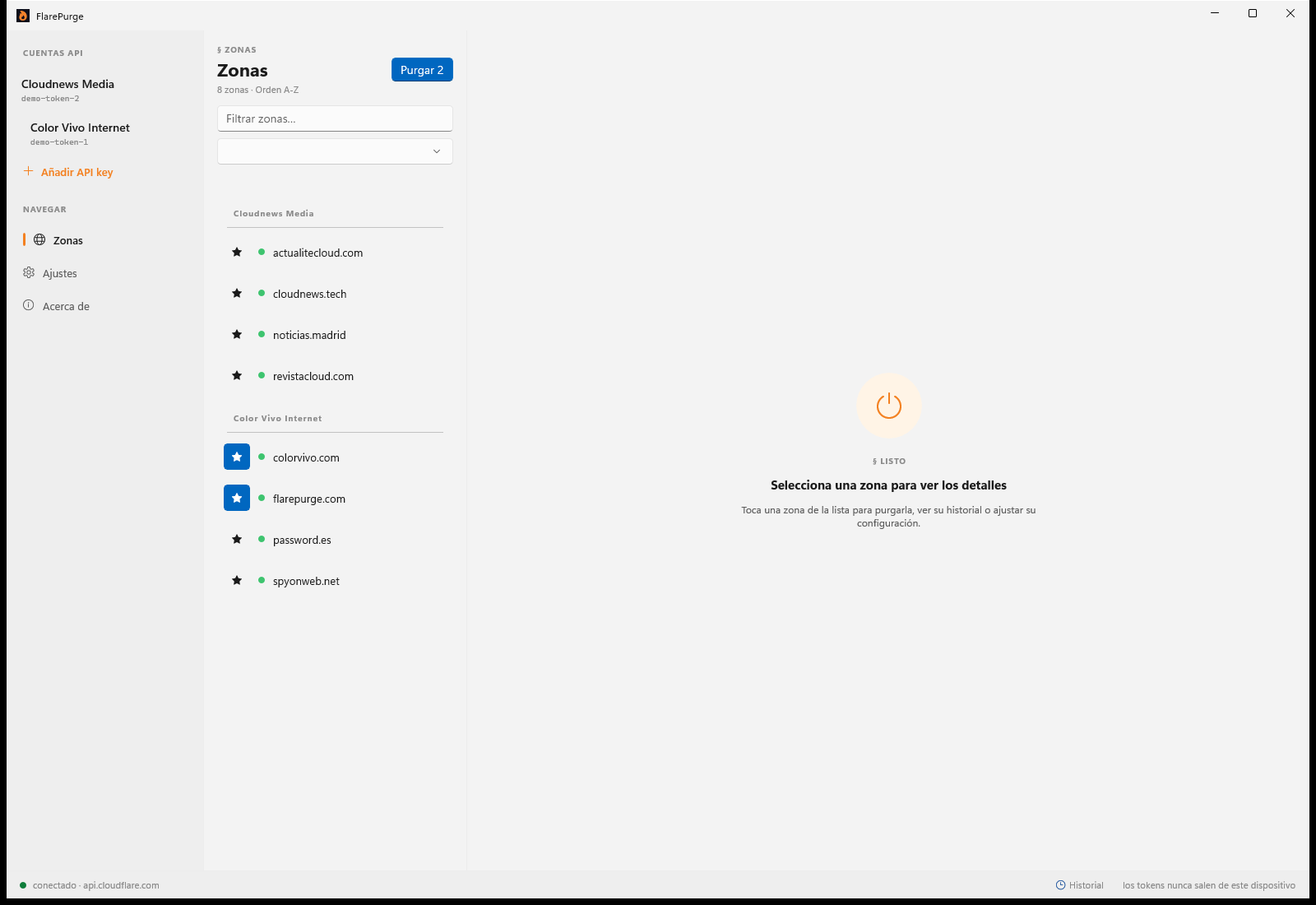
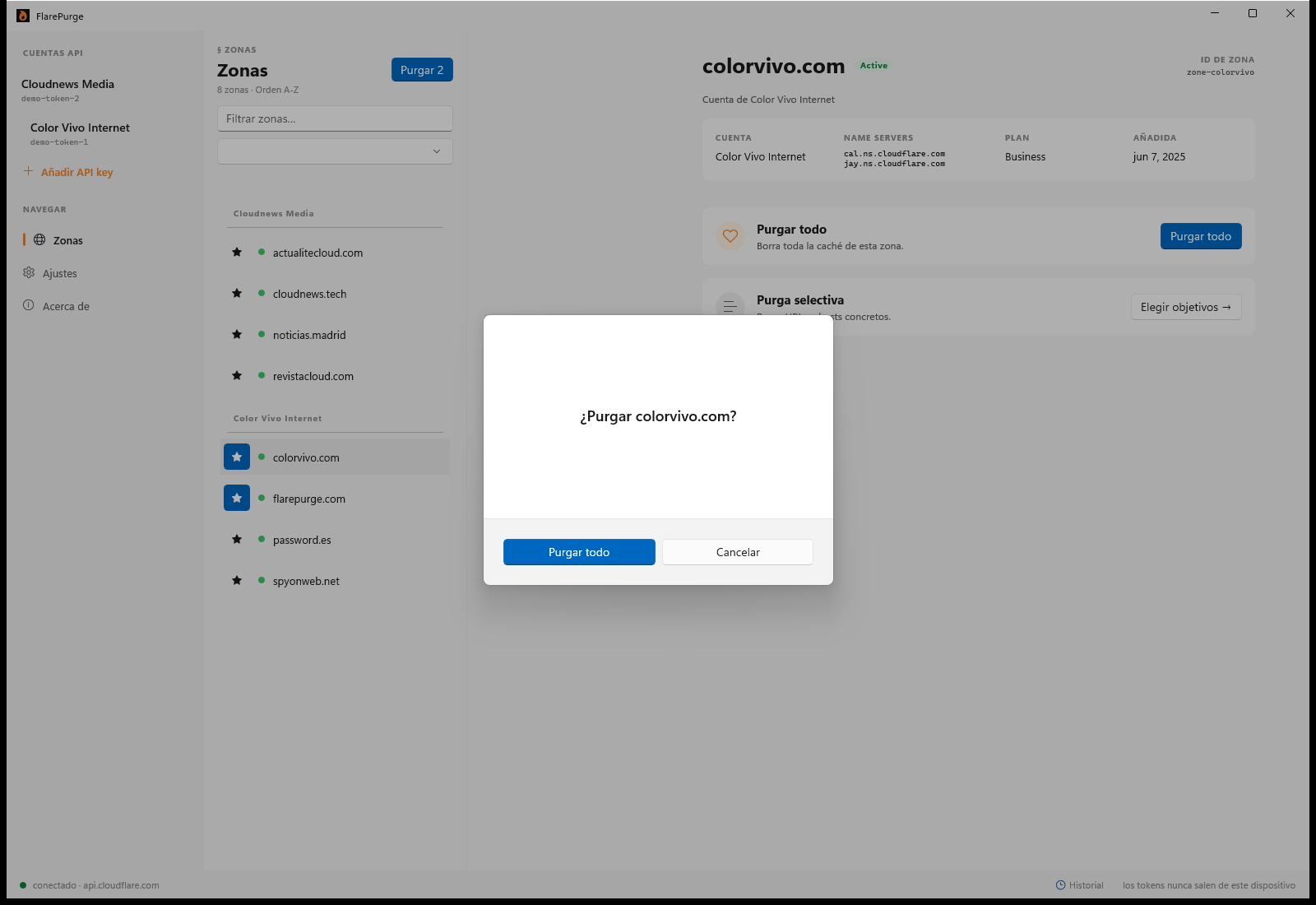
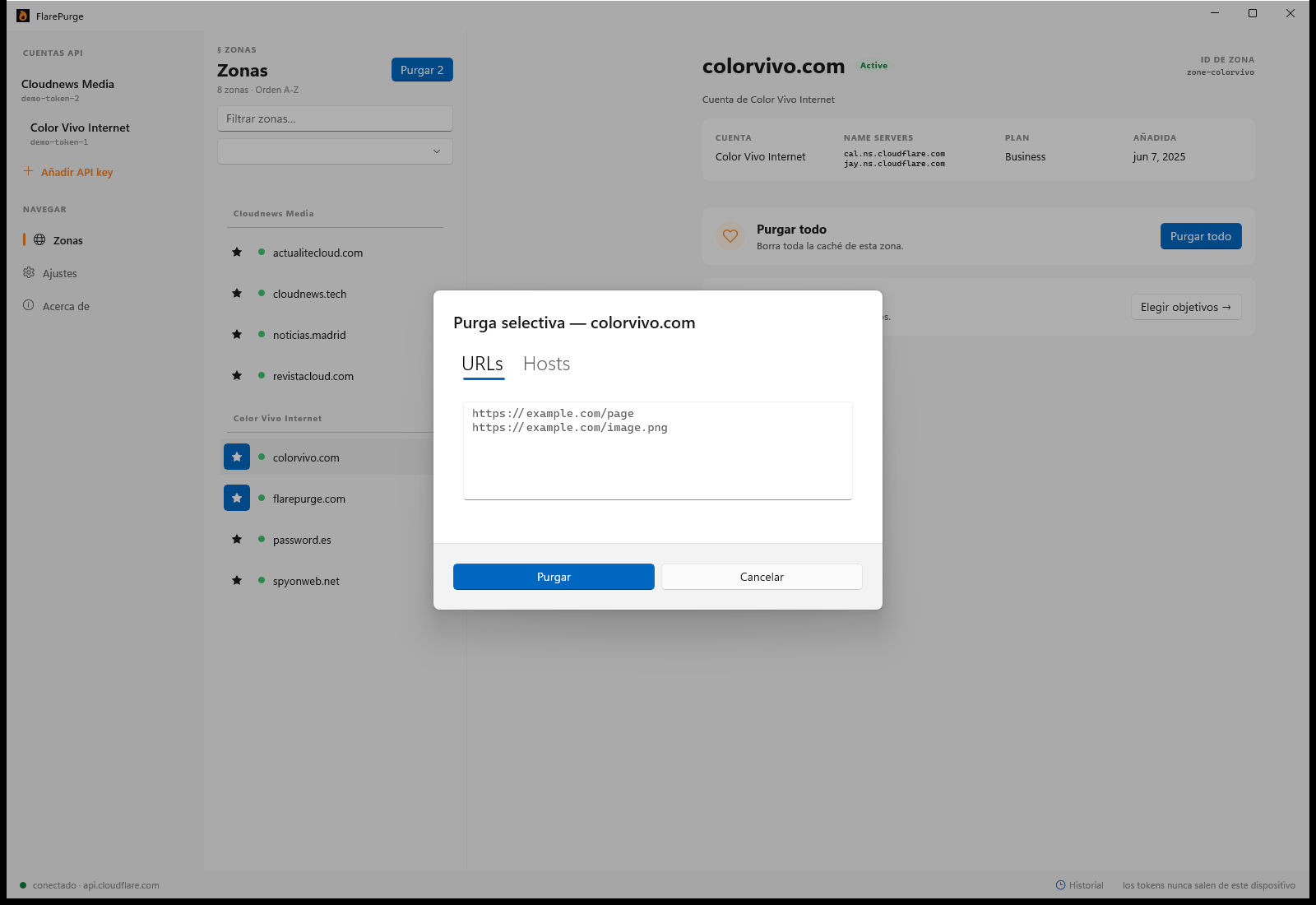
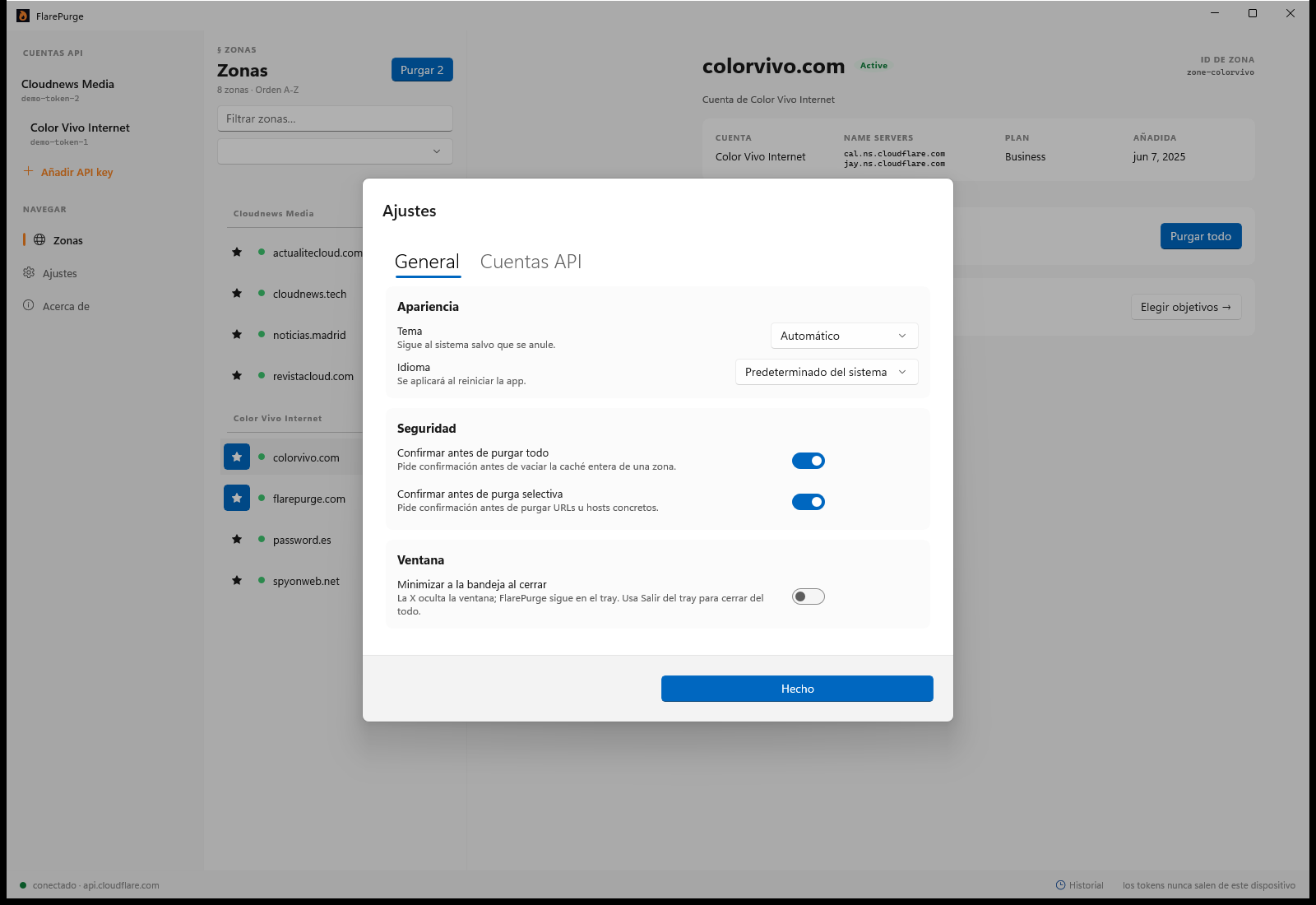
Every platform, same app
Each platform has its own native implementation and its own public repository under the MIT licence.
| Platform | Minimum OS | Where to get it | Source code |
|---|---|---|---|
| iPhone · iPad | iOS / iPadOS 17 | App Store | GitHub · MIT |
| Mac | macOS 14 Sonoma | App Store | GitHub · MIT |
| Android | Android 10 | Google Play | GitHub · MIT |
| Windows | Windows 10 / 11 | Microsoft Store | GitHub · MIT |
Guides
What we learned implementing the Cloudflare purge API four times, on four platforms.
-
How to create a Cloudflare API token to purge cache
Step by step: create a scoped Cloudflare API token with the two permissions needed to purge cache, and why you should never use the Global API Key.
Read the guide -
Purge everything vs. selective purge
When to clear a whole Cloudflare zone and when to purge specific URLs, hostnames, tags or prefixes. Comparison table, cost of each, and the case for each one.
Read the guide -
Cloudflare purge API limits, by plan
The real numbers: how many URLs per request, how many requests per second, and what throughput each Cloudflare plan allows when purging cache through the API.
Read the guide -
How to purge Cloudflare cache from your phone
Three ways to clear a Cloudflare cache without a laptop: the mobile dashboard, a curl call from a terminal app, or a native app. What each one costs you.
Read the guide
Privacy is not a feature. It's the contract.
- No analytics, no telemetry, no third-party SDKs.
- API tokens stored in the system Keychain. Device-only by default.
- Favorites sync via your own iCloud database. We have no access.
- Traffic restricted to api.cloudflare.com with certificate pinning.